
Add a Participant
Adding a participant allows you to create a profile for each child/participant in your household so they can be registered for sessions. When adding a participant, you’ll enter basic information such as their name, date of birth, grade, and any other required details. Once a participant is added, you can use their profile for future registrations.
🔍How do I add a participant?
1. Visit the Program Catalog via the link provided by your organization.
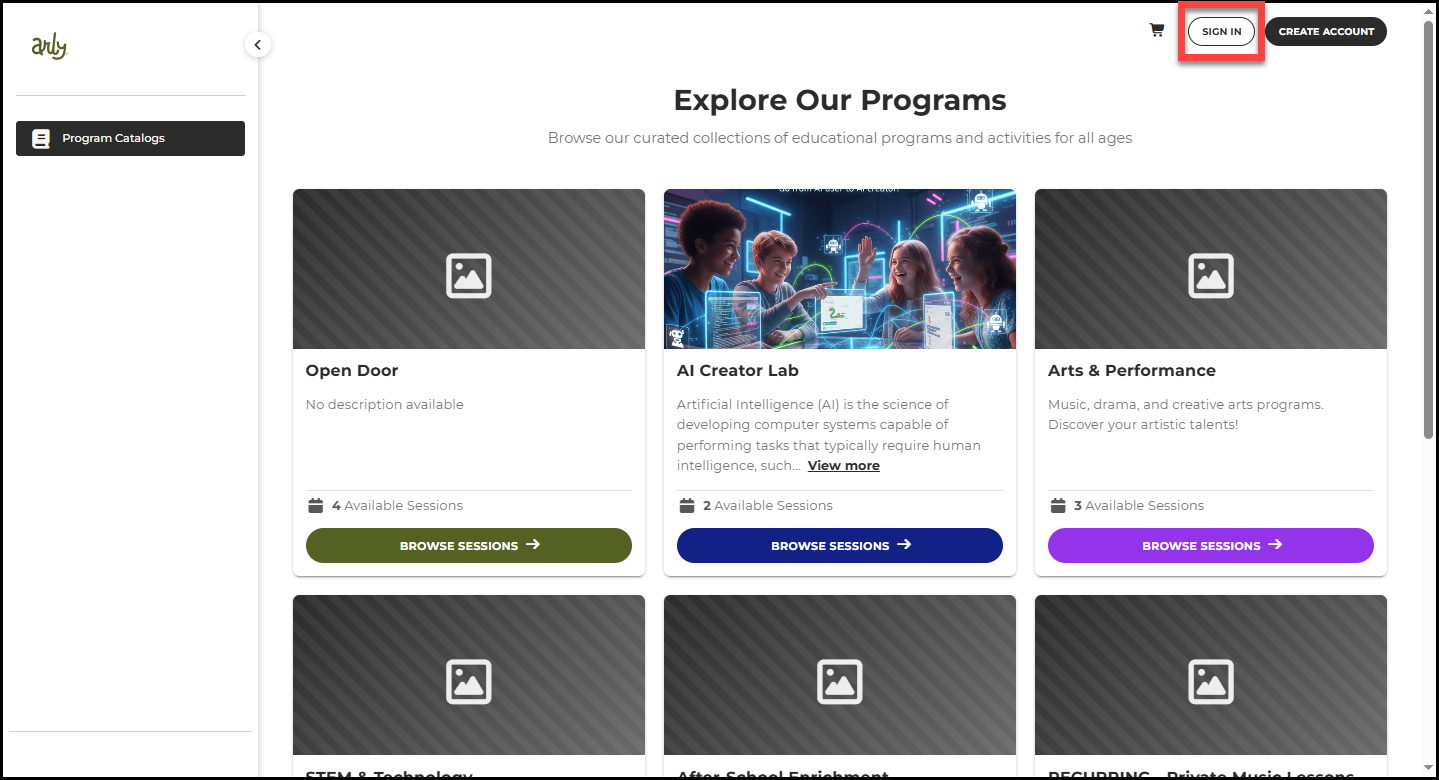
2. Select Sign In.
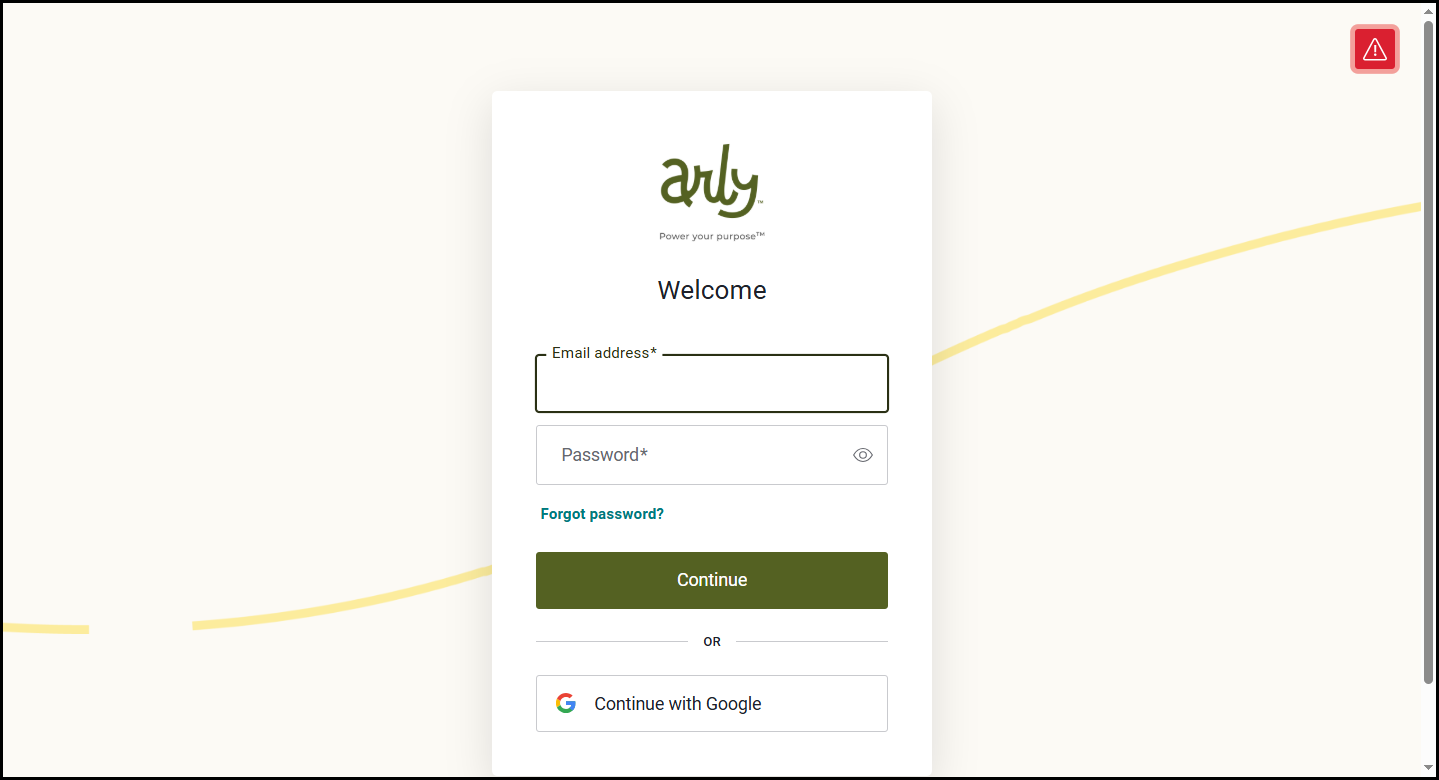
3. Enter your email address and password then select Continue.
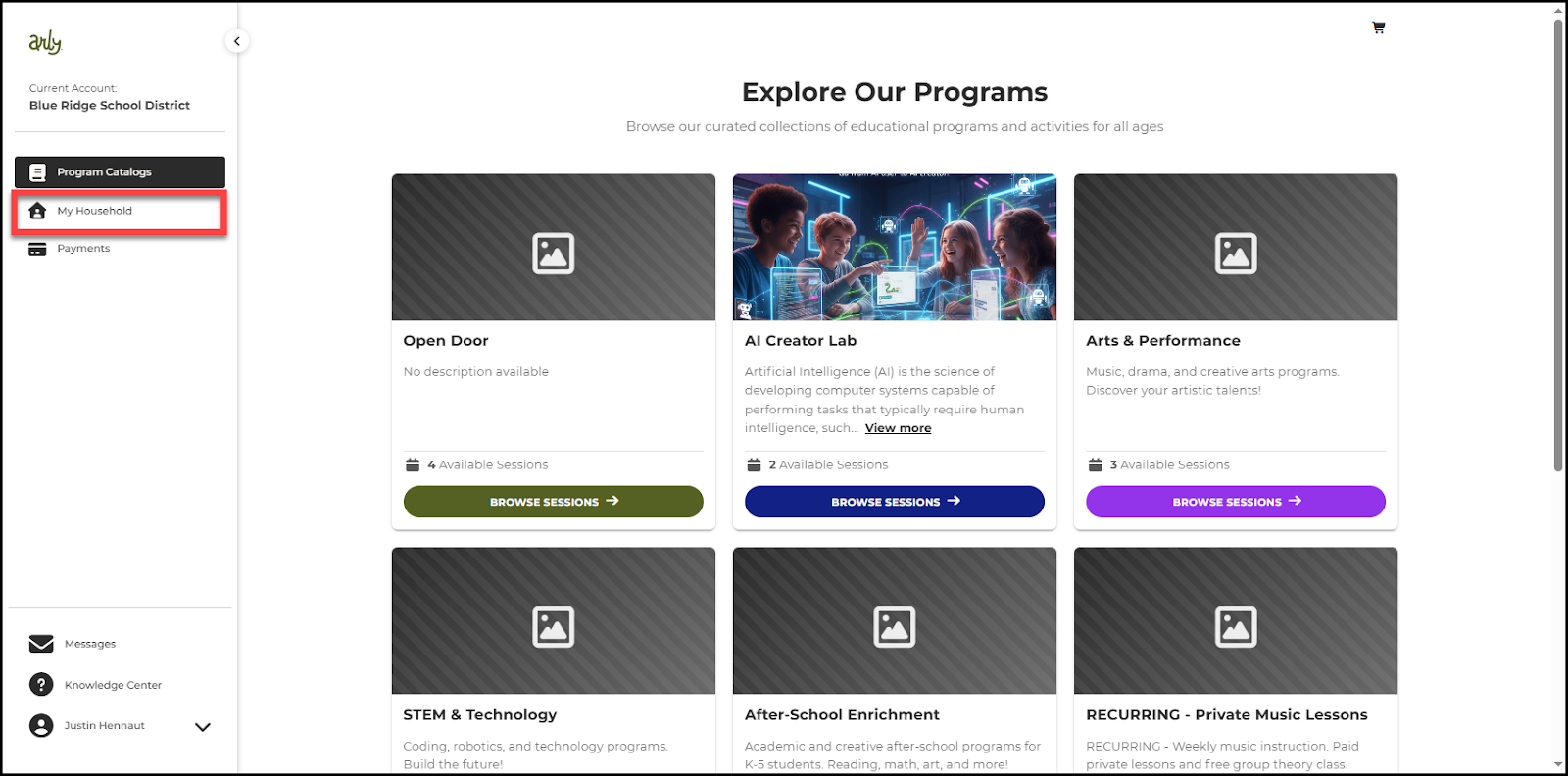
4. Select My Household.
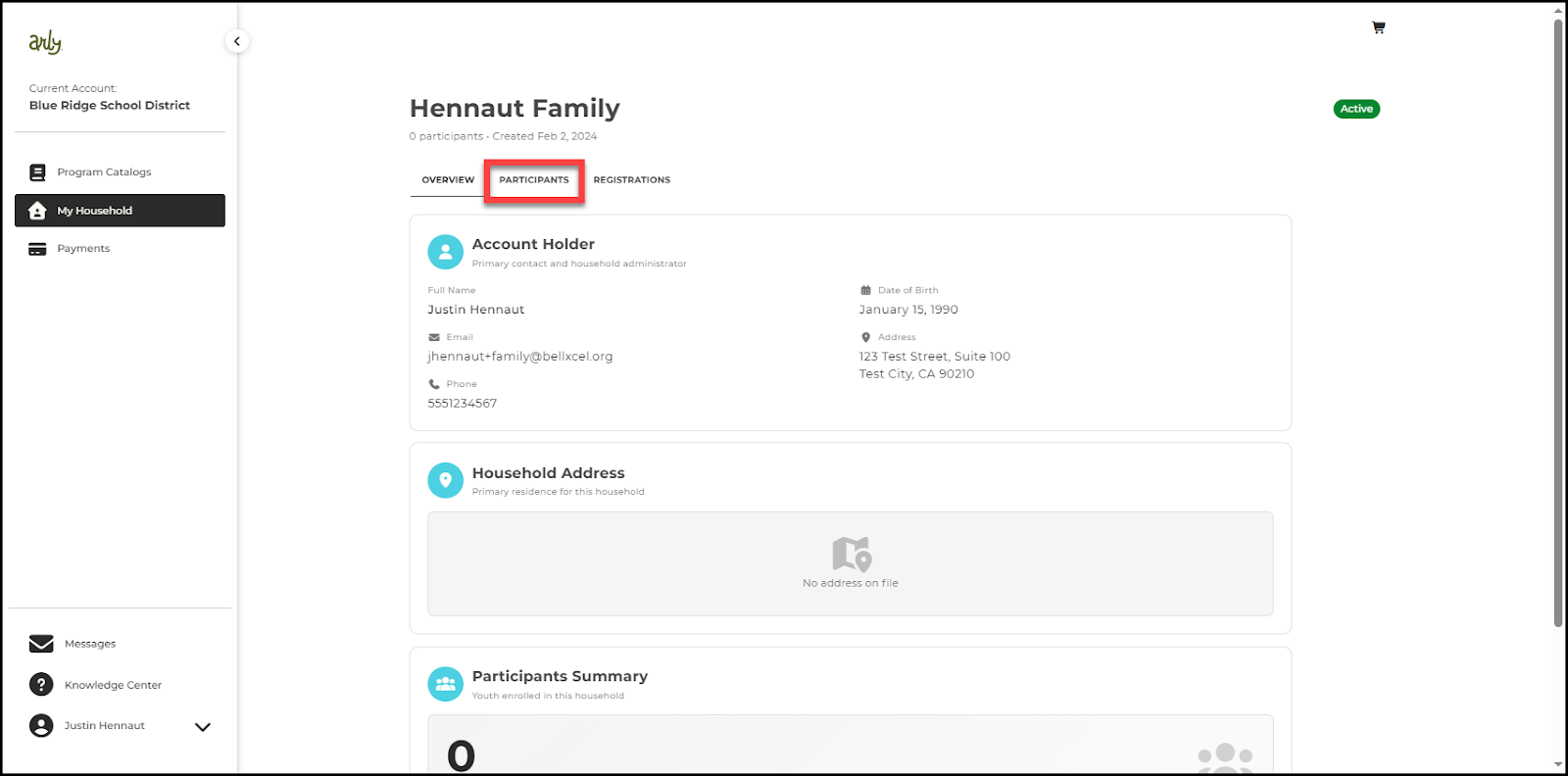
5. Select Participants.
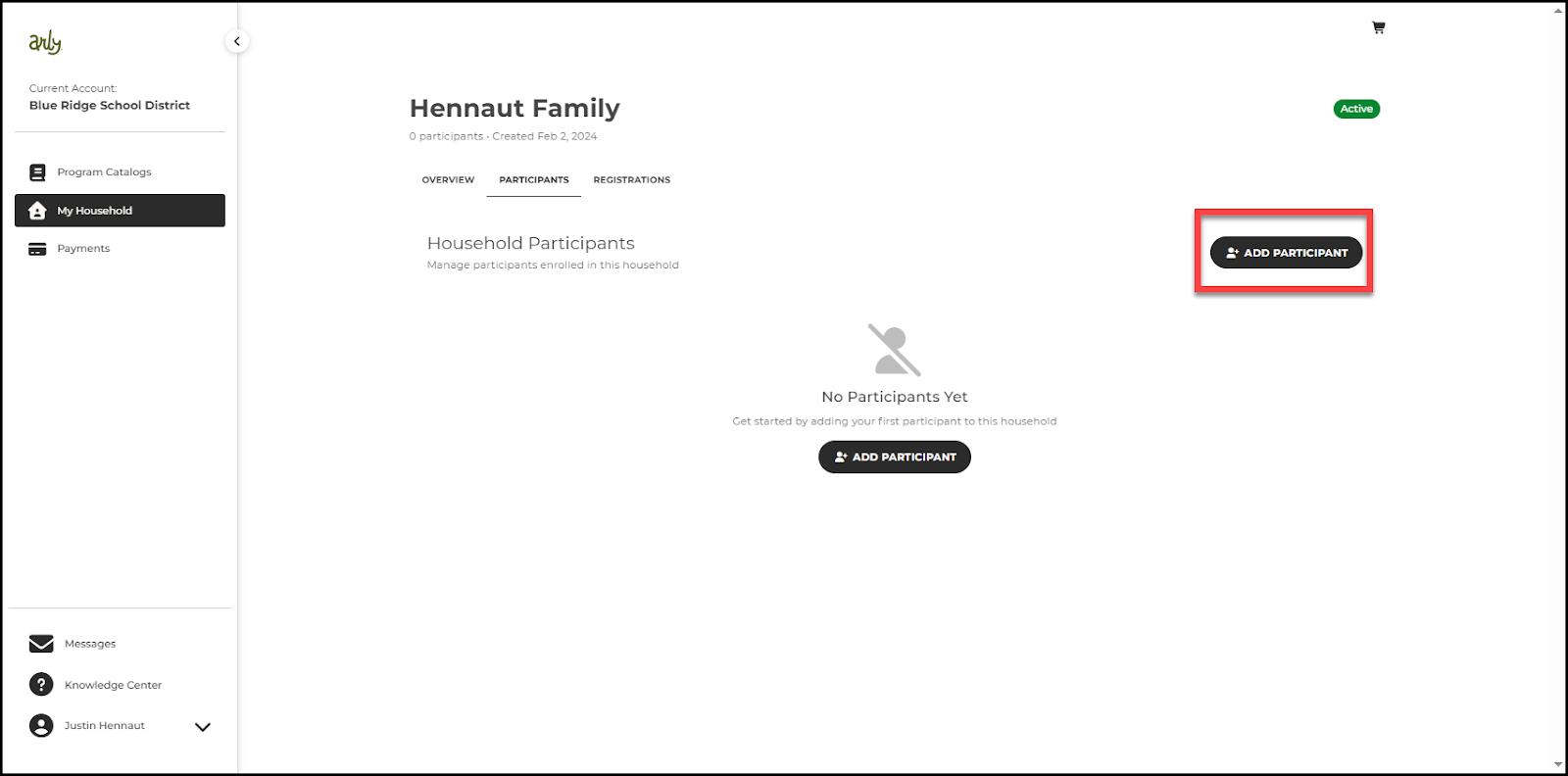
6. Select +Add Participant.
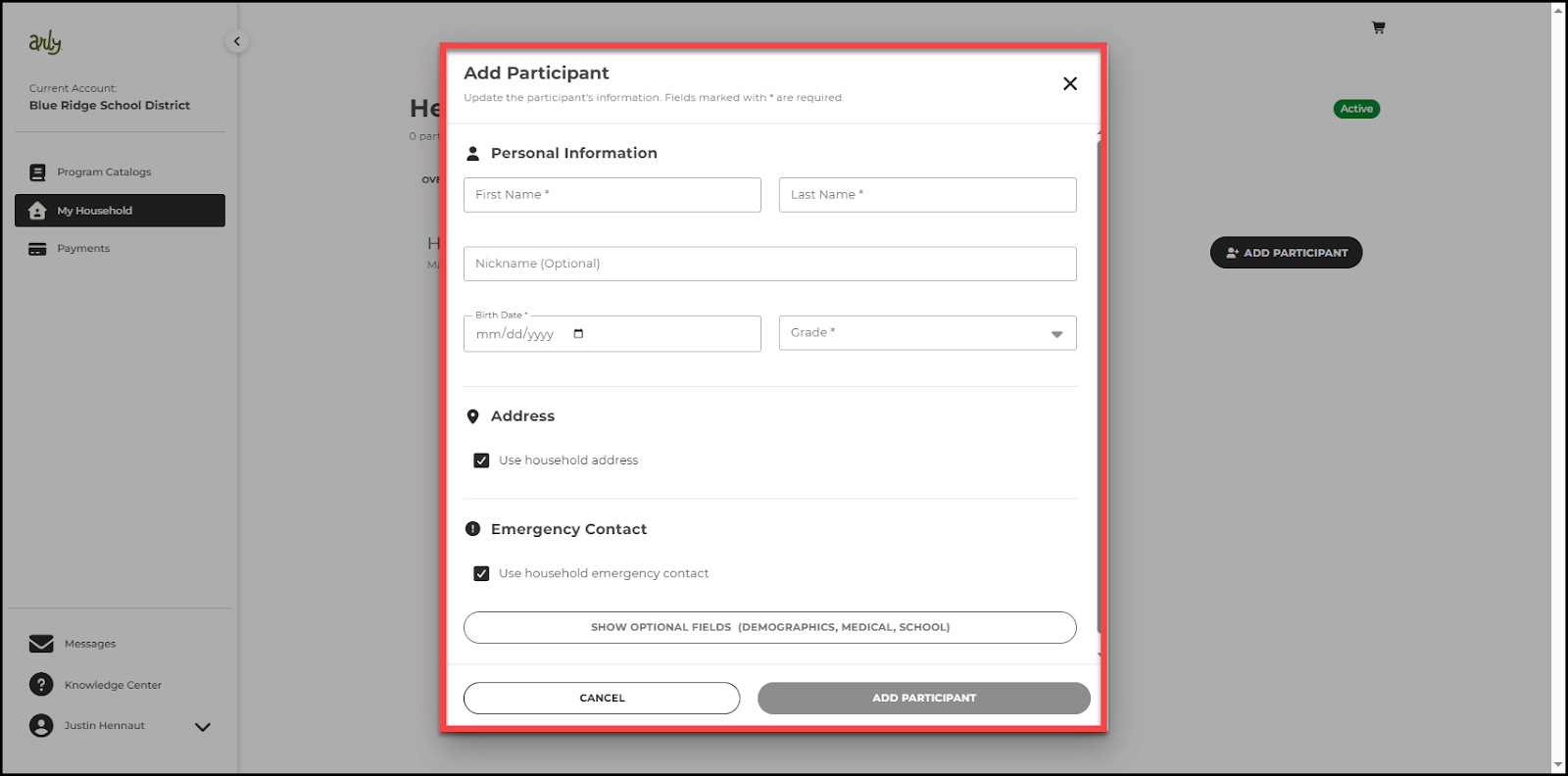
7. Complete the participant’s profile. Required fields include name, birth date, and grade. Optional fields include demographics, medical information, and school information.
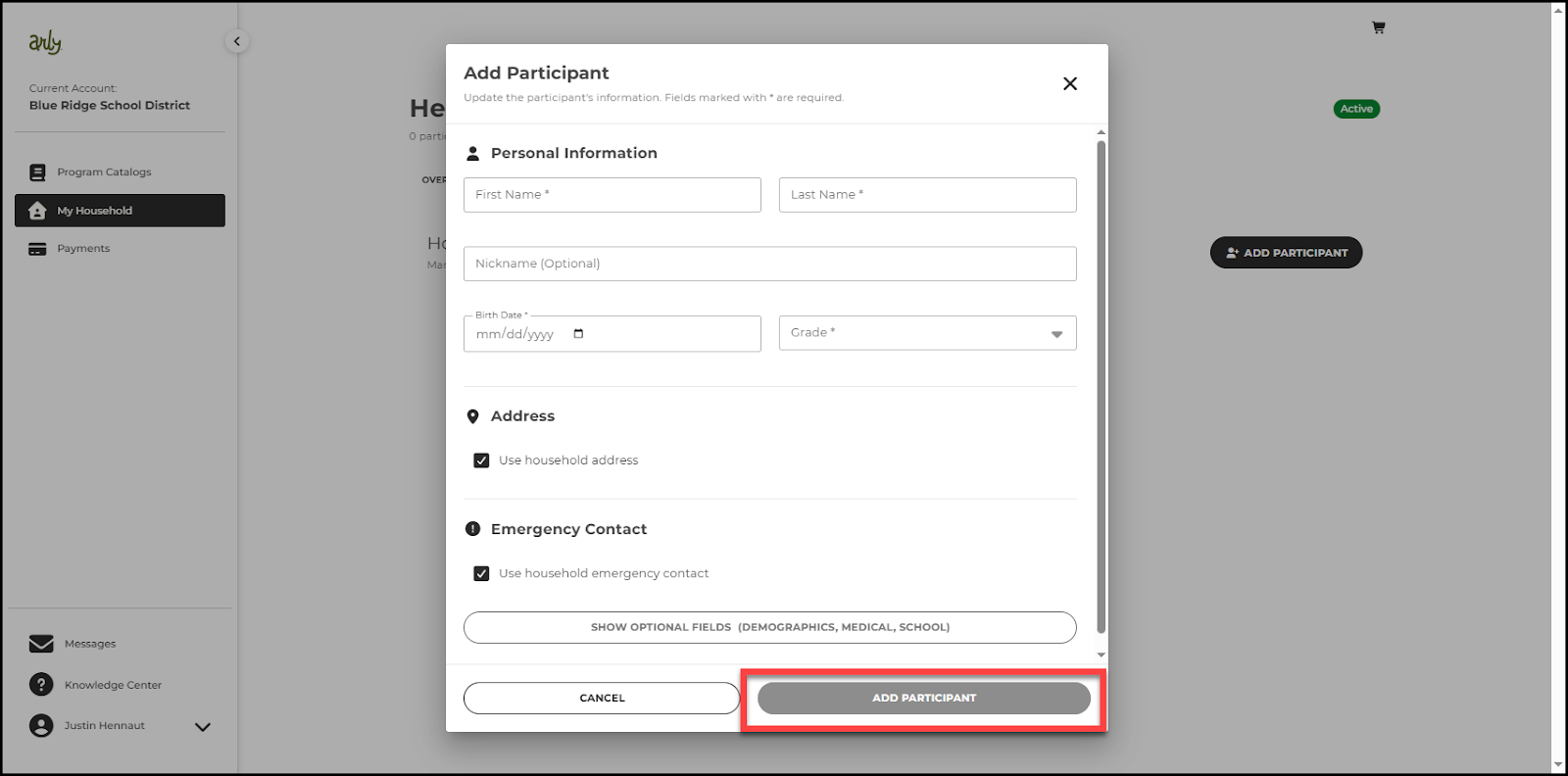
8. Select Add Participant.
9. Repeat these steps for any additional participants you wish to add.