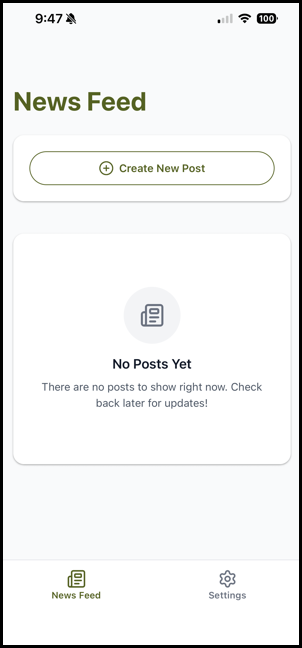
Download and Log In to Arly Mobile App
The Arly mobile app helps you stay connected with your families through a shared family newsfeed. From the app, you can post updates, photos, and announcements making it easy to keep families informed and engaged. It’s designed to bring your program experience to life and keep you connected throughout each day.
🔍How do I download the Arly mobile app and log in?
1. Go to the Apple App Store or Google Play Store on your device.
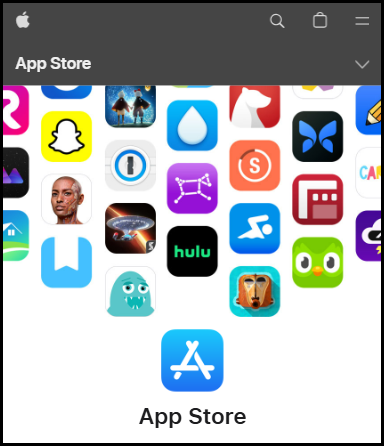
2. Search for Arly.
3. Download and install the Arly app.
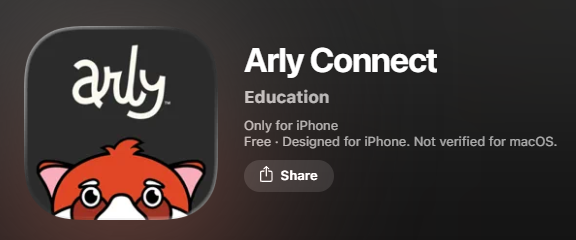
4. Navigate to the Arly app on your phone, and launch the app.
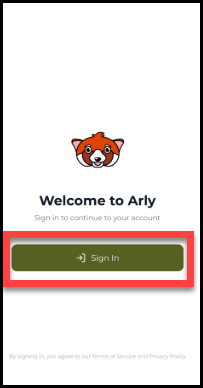
5. Select Sign In.
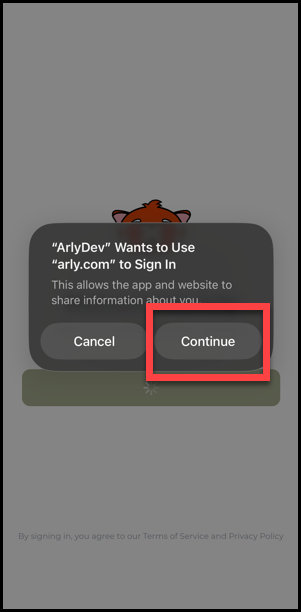
6. Select Continue.
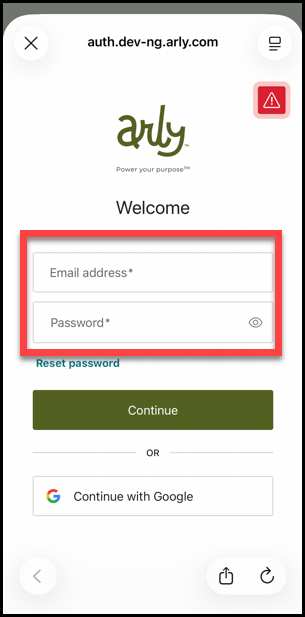
7. Enter your Arly credentials and select Continue.
🎉You are signed in.