Create an Account
Creating an Arly account allows you to manage your household in one place. Once your account is set up, you can add participants, register for sessions, complete forms, view invoices, and make payments. You’ll start by entering your basic contact information and creating login credentials, then you can begin setting up your household and enrolling in available offerings.
🔍How do I create an account?
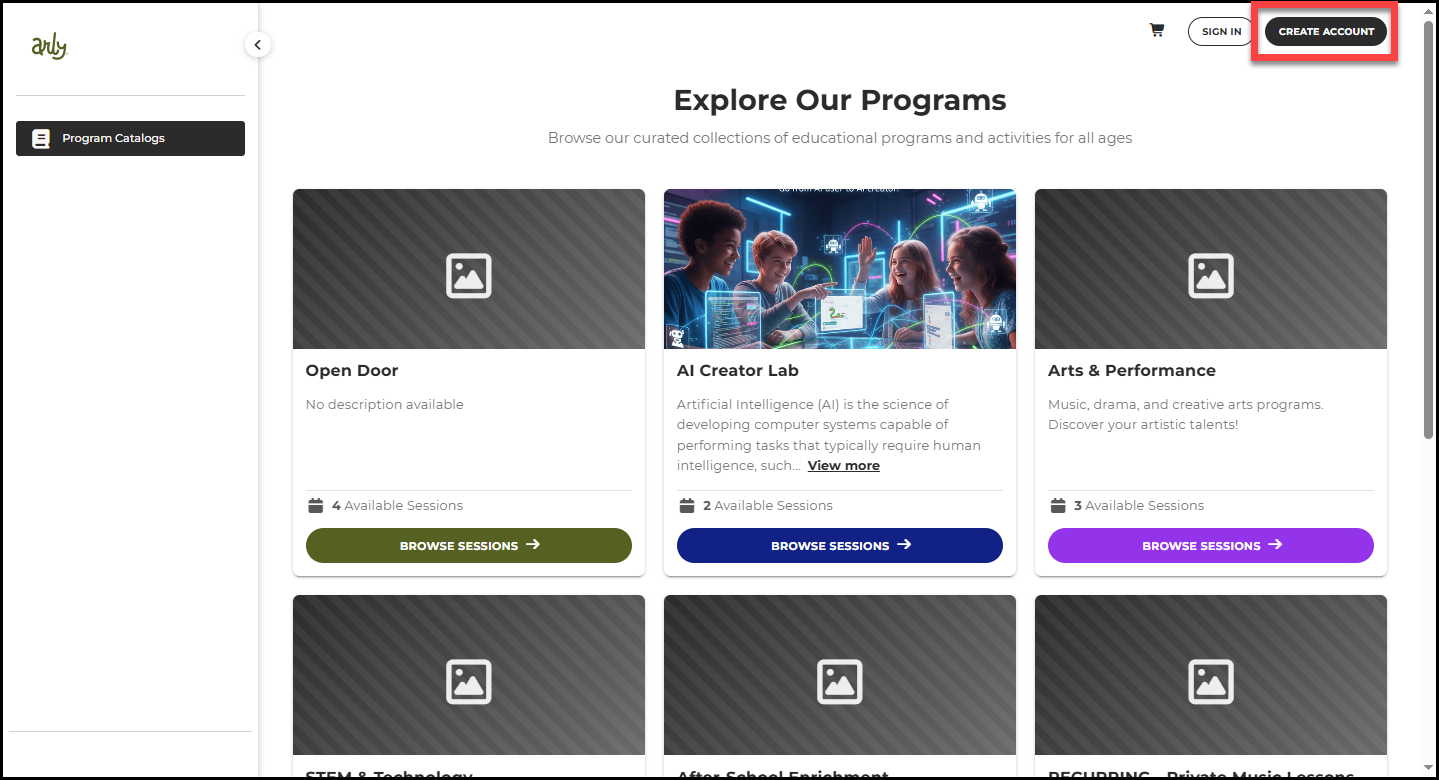
1. Visit the Program Catalog via the link provided by your organization.
2. Select Create Account.
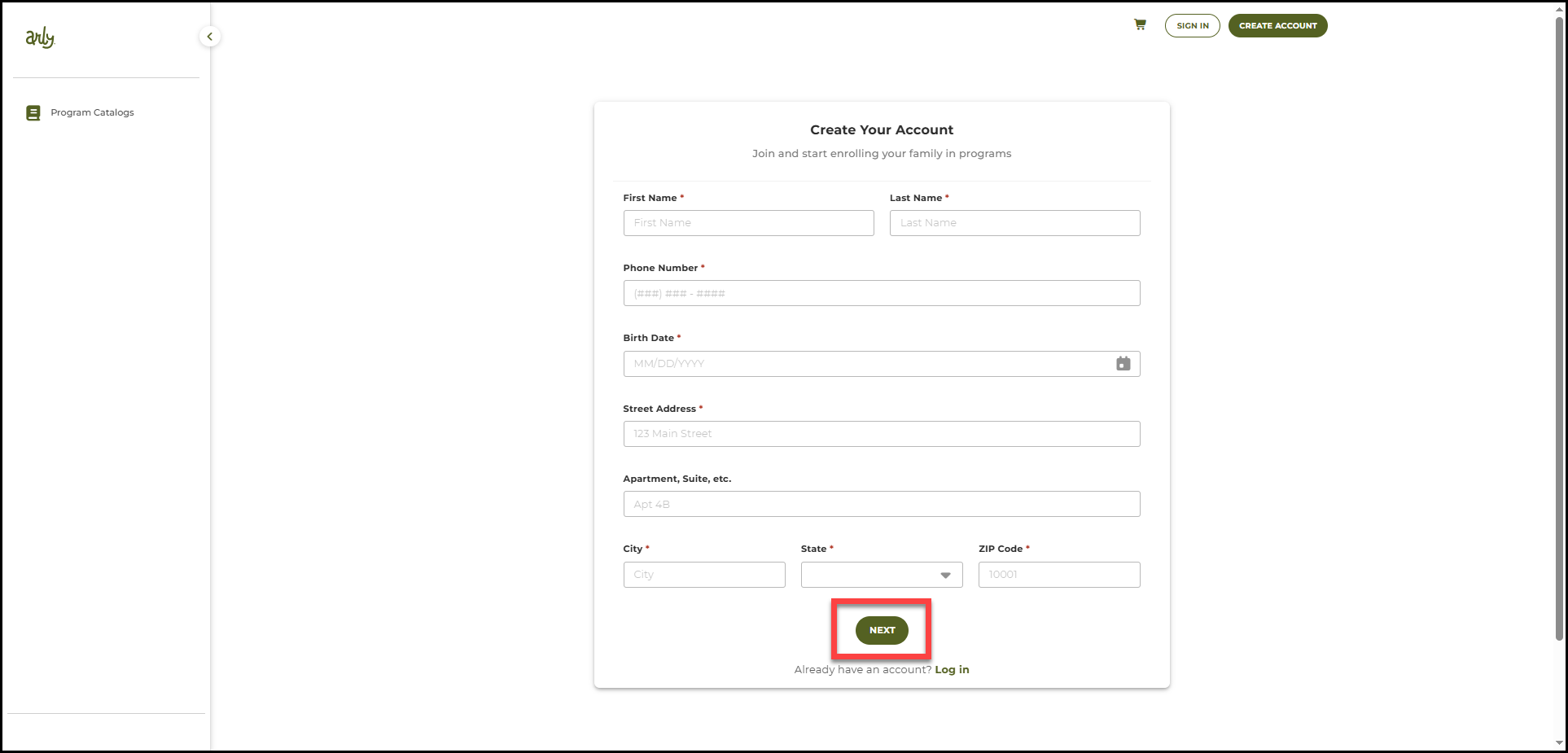
3. Complete the form including your name, email address, phone number, birth date, and street address.
4. Select Next.
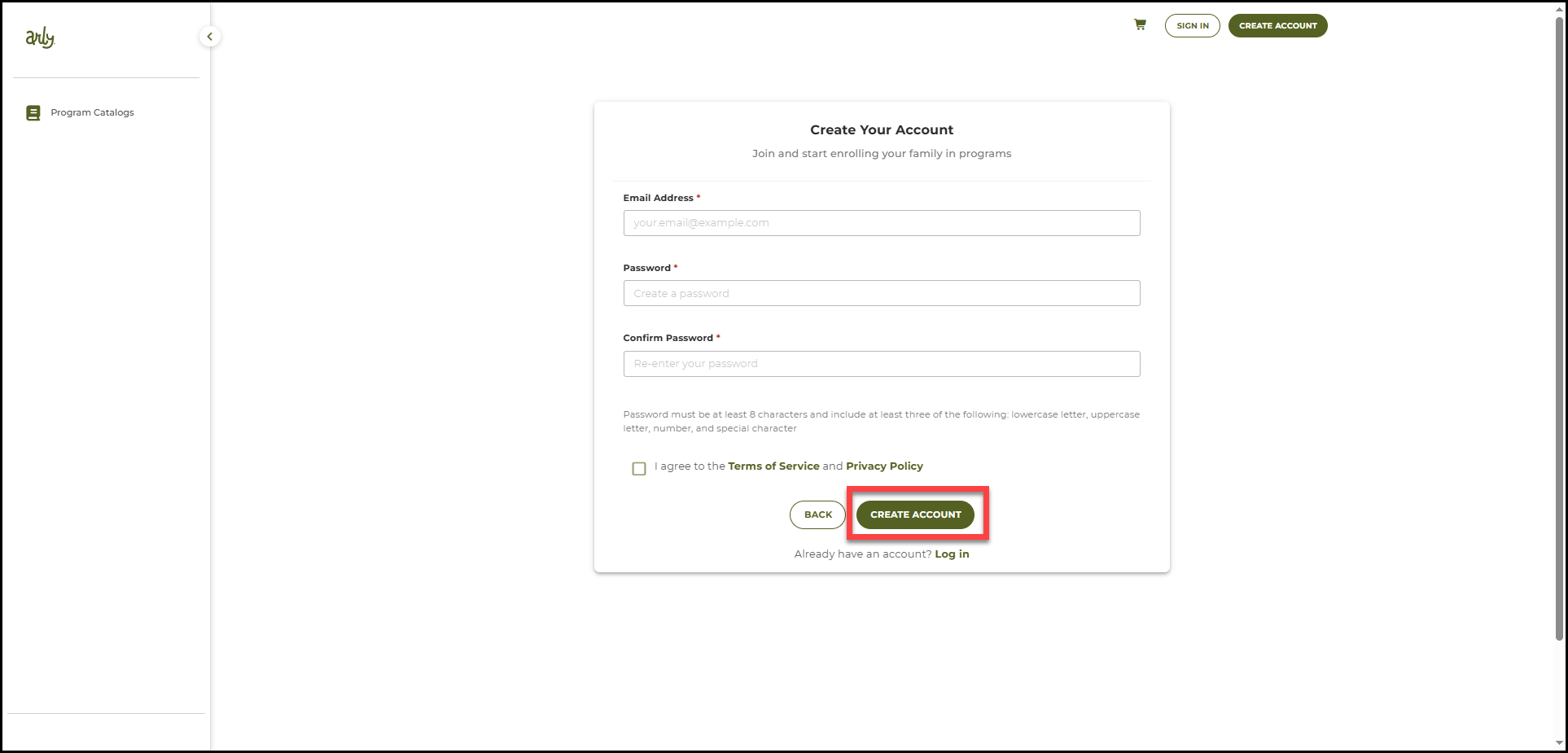
5. Enter your email address and select a password.
6. Agree to the Terms of Service and Privacy Policy.
7. Select Create Account.
8. Go to your email provider and open the Activation Email.
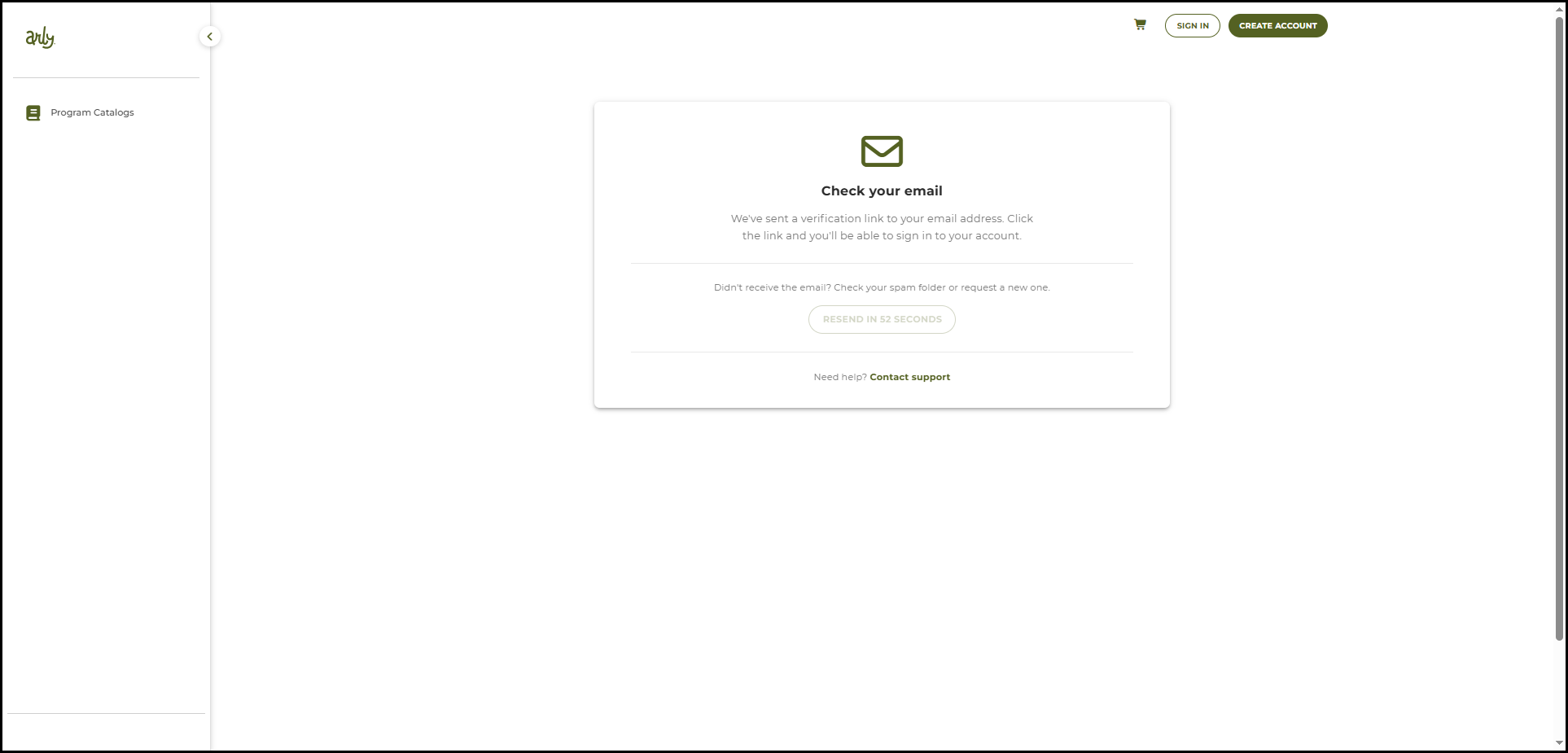
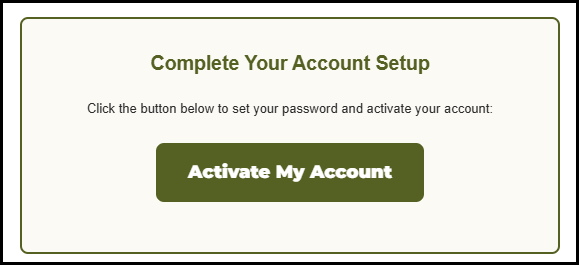
9. From the email, select Activate My Account.
10. Once your email is verified, select Go to Login.
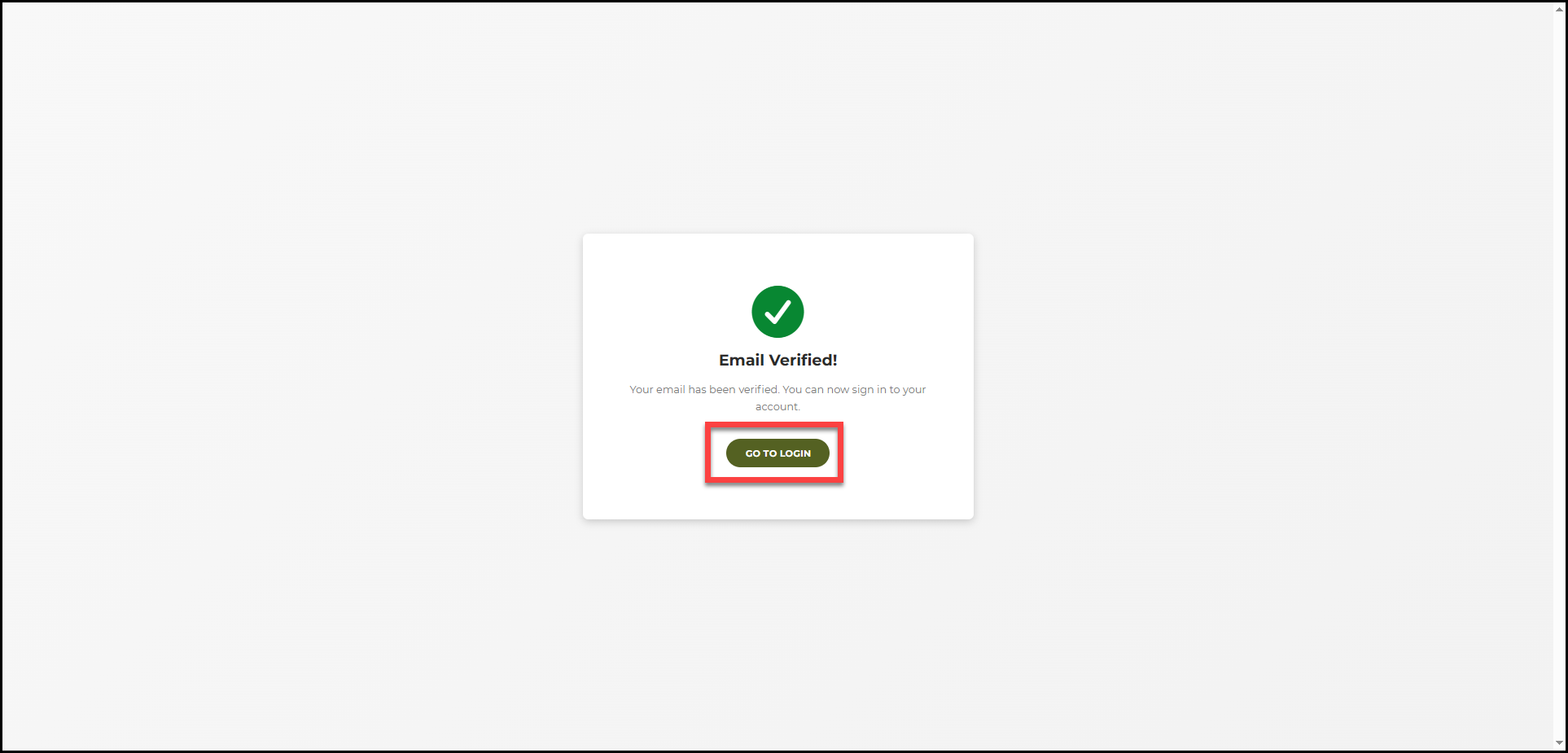
11. Login using your email and password.