
Cancel a Scheduled Drop-in Day (Family)
If your child no longer needs a drop-in day you've already purchased, you can cancel it yourself right from the family portal — no need to call the program or submit a support request. Cancellation is immediate: once you confirm, the day comes off your child's schedule and any eligible charge is refunded or removed. You can cancel any upcoming drop-in day up until 11:59 PM the night before, based on the program's local time zone. Before you confirm, you'll see exactly what happens to the charge — whether it's refunded, removed before it was ever billed, or not eligible for a refund — so there are no surprises.
🔍How do I cancel a scheduled drop in day?
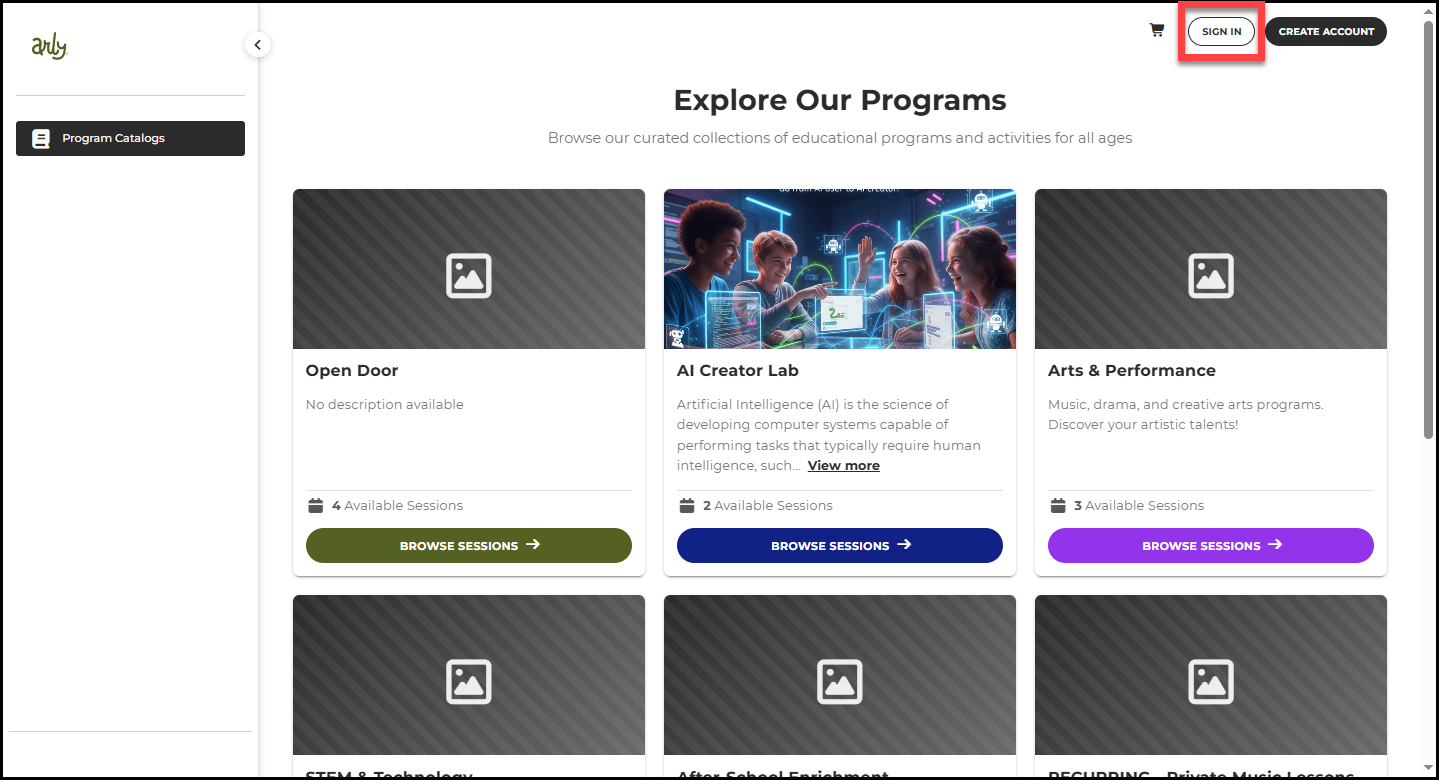
1. Visit Arly via the link provided by your organization.
2. Select Sign In.
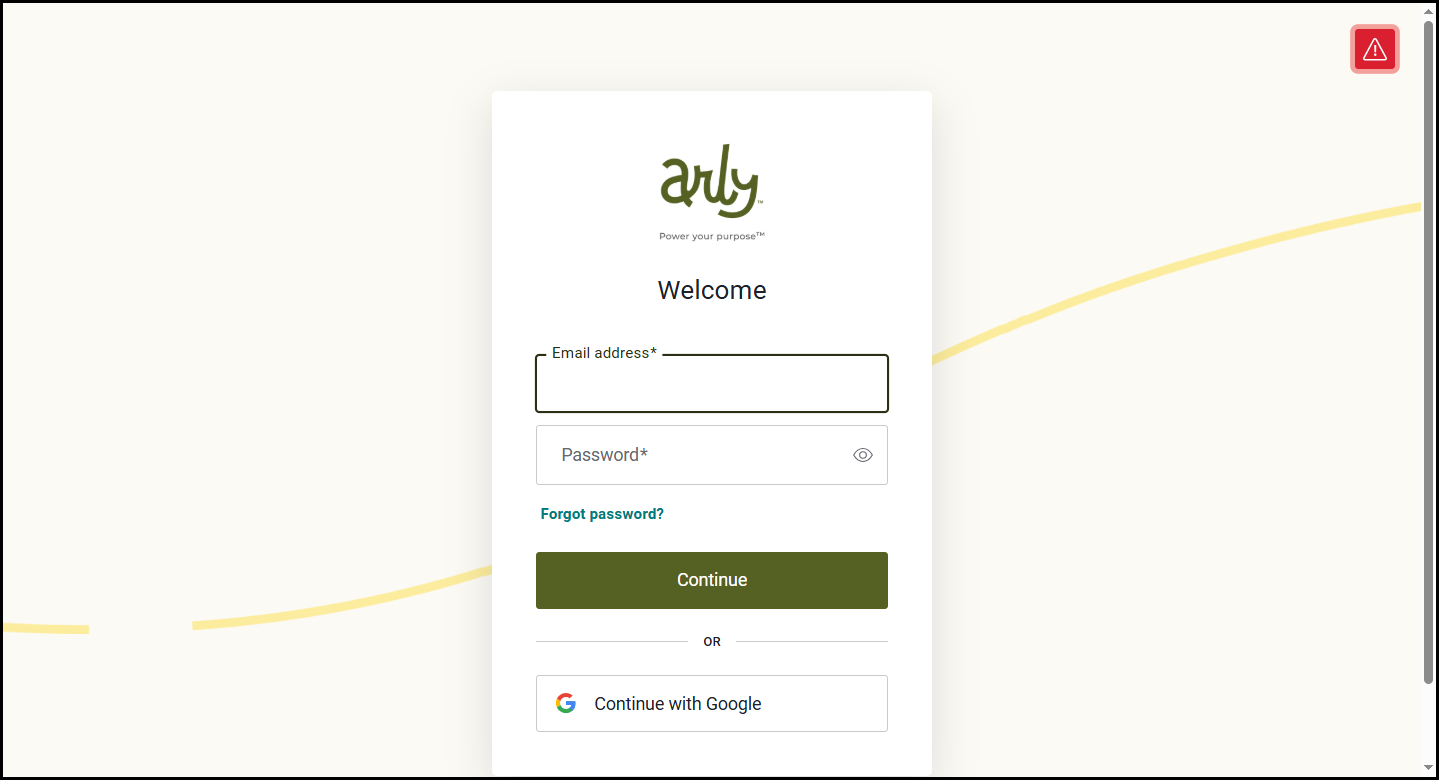
3. Enter your email address and password then select Continue.
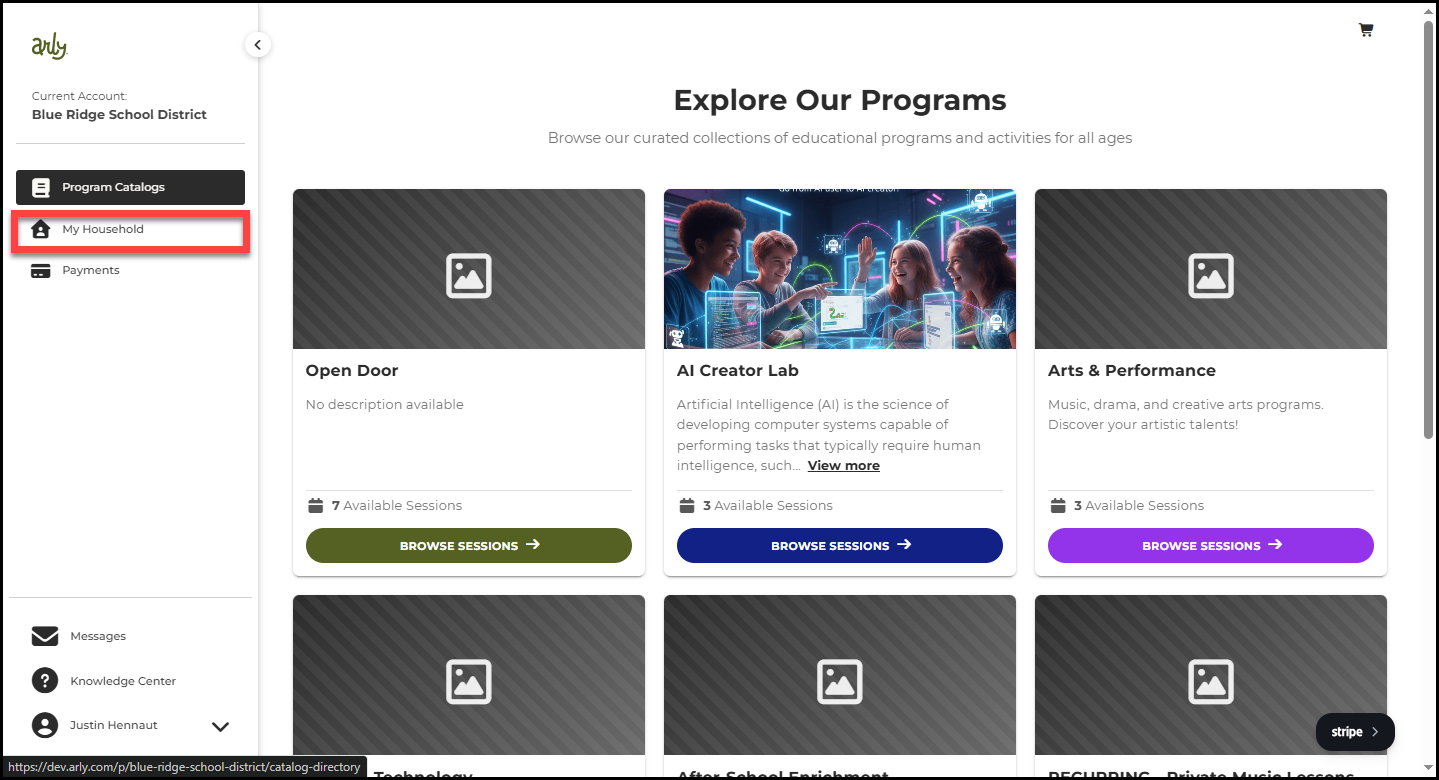
4. Select My Household.
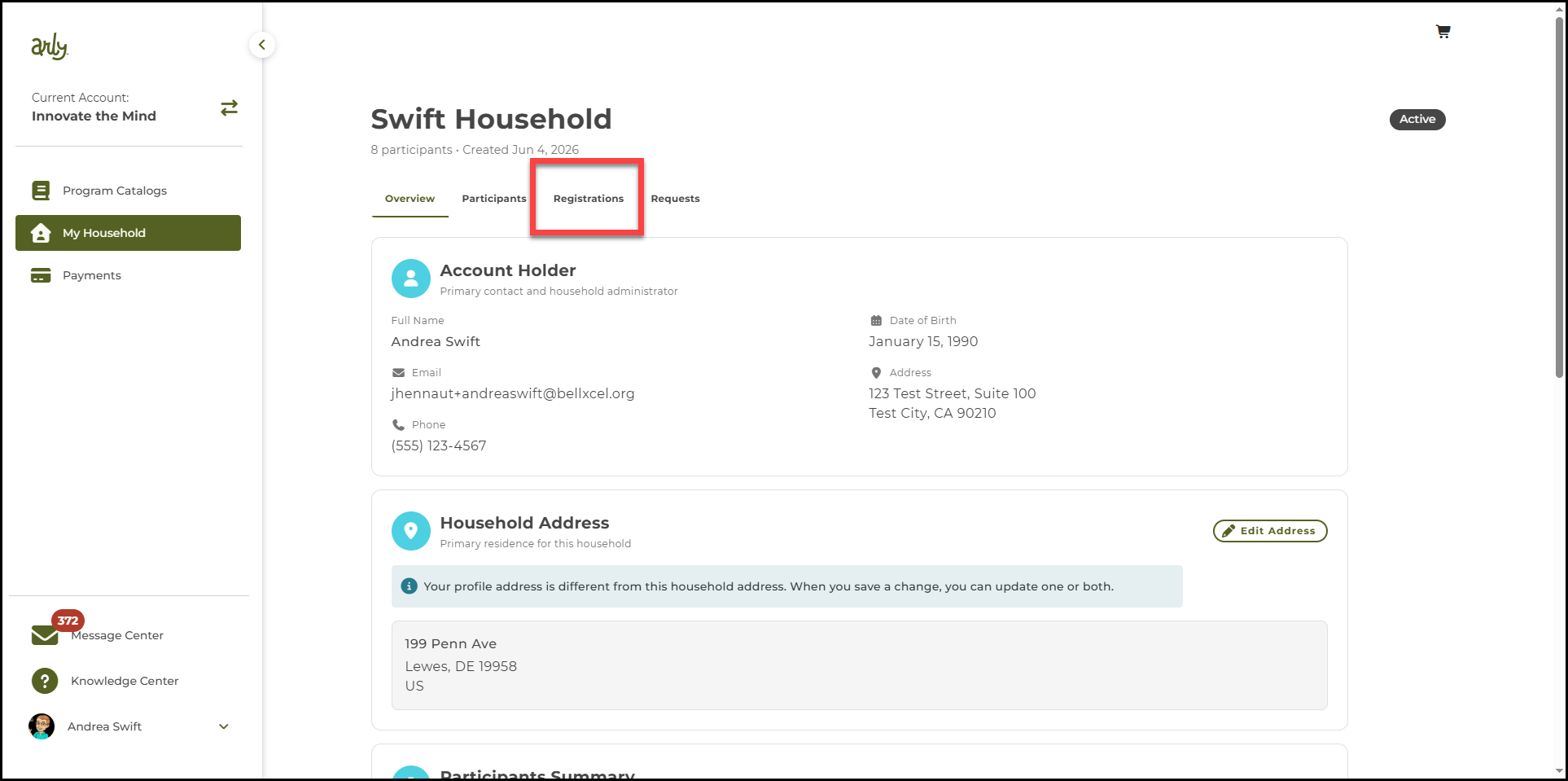
5. Select Registrations.
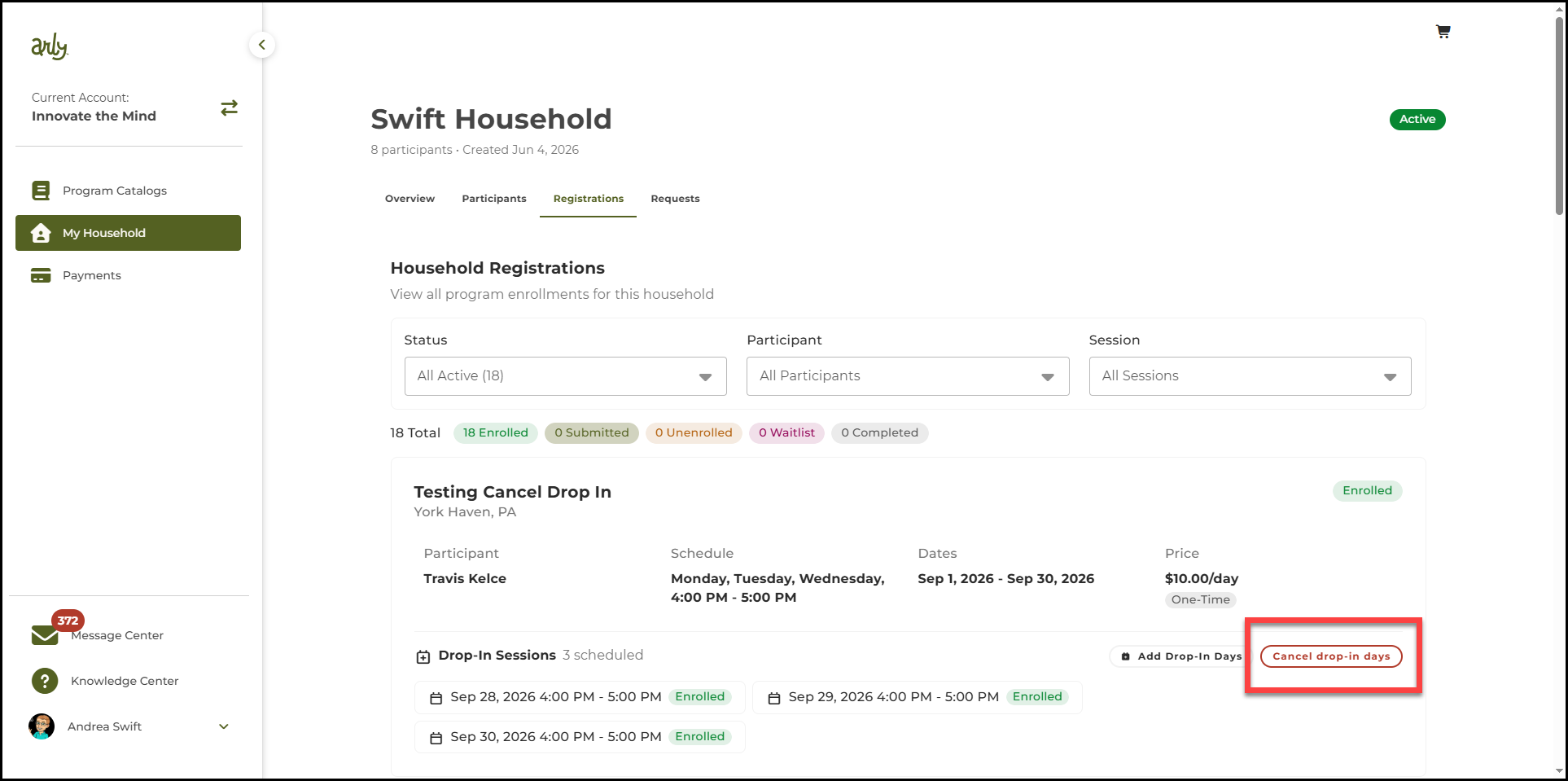
6. Find the session with the drop-in days you wish to cancel. Select Cancel drop-in days.
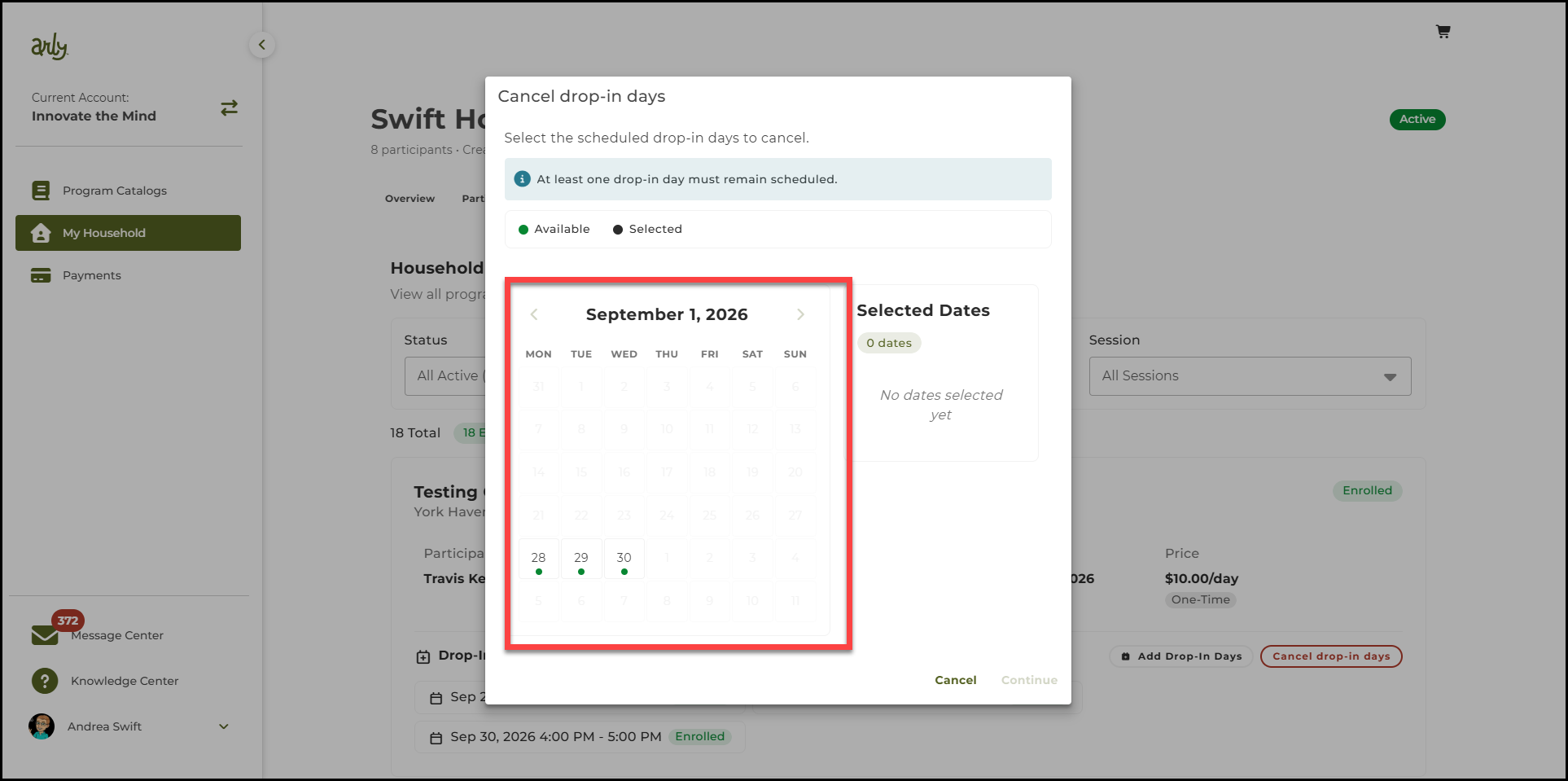
7. Select the day(s) to be cancelled. Select Continue.
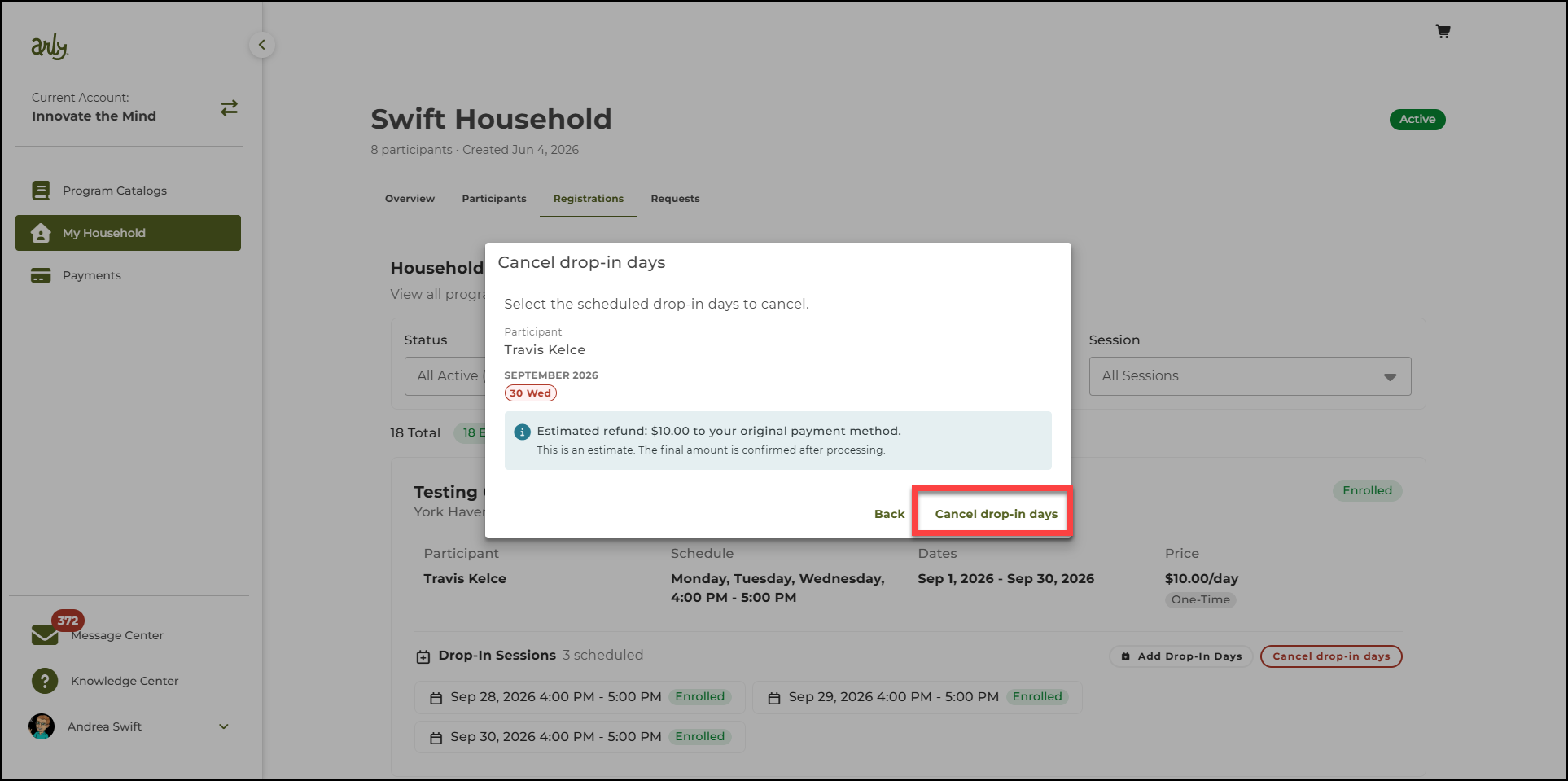
8. Review the changes and select Cancel drop-in days.
🎉The drop-in day is cancelled.